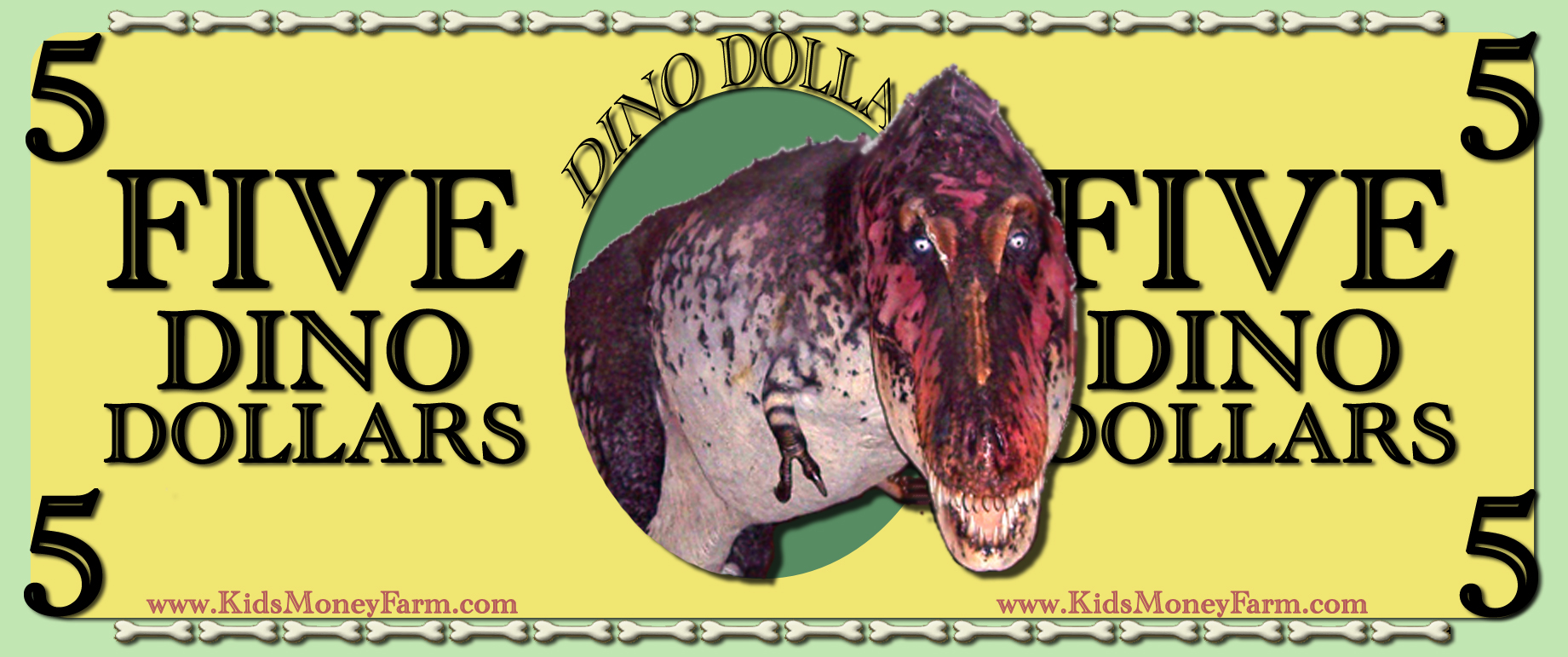
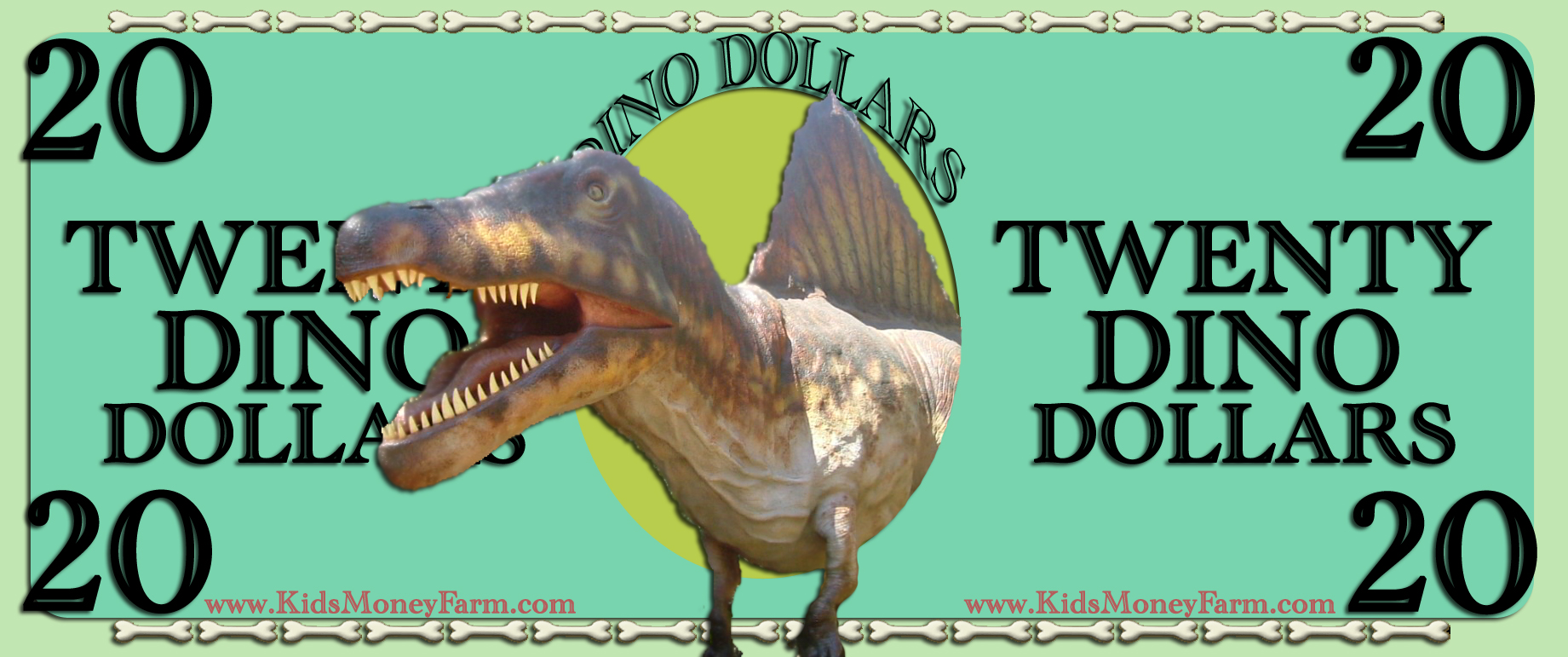
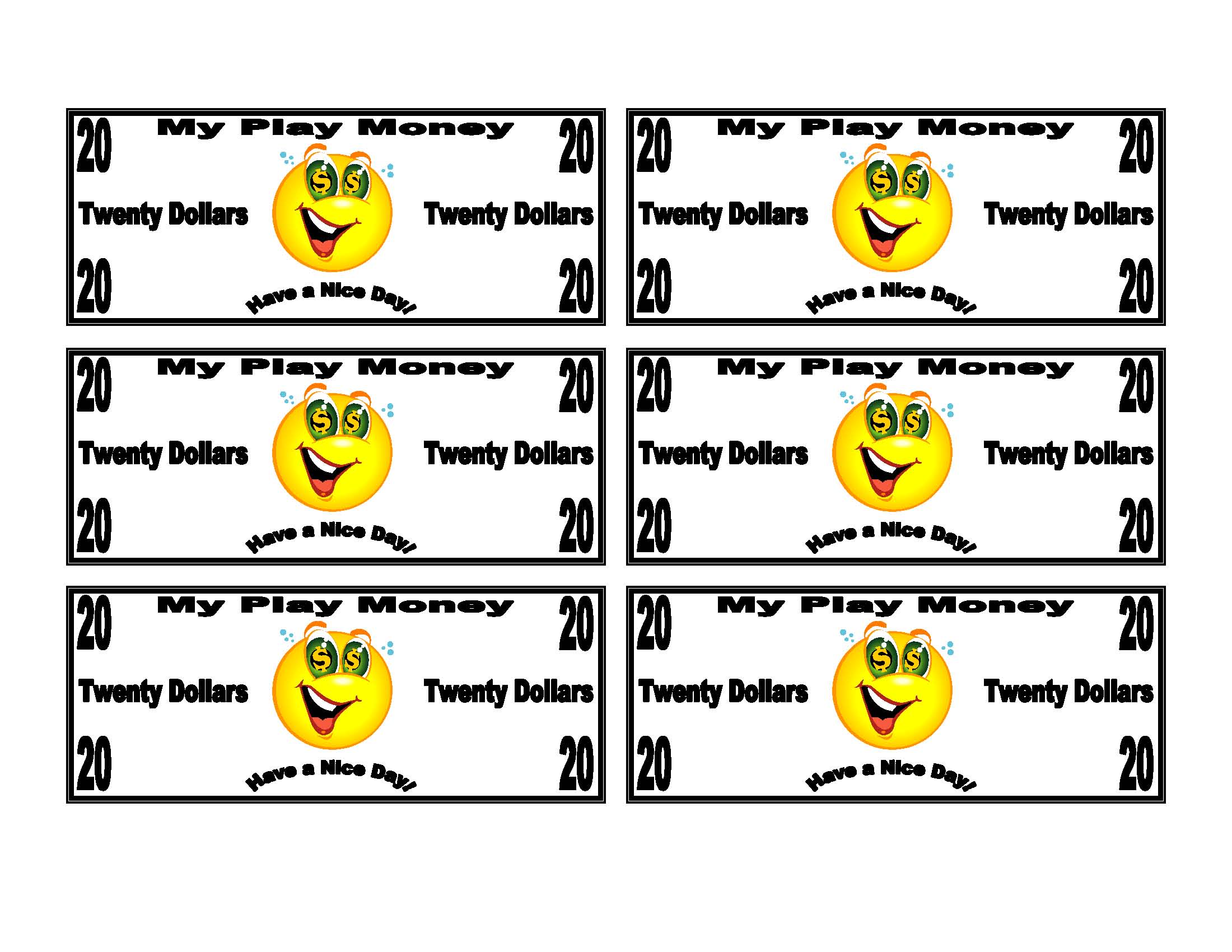
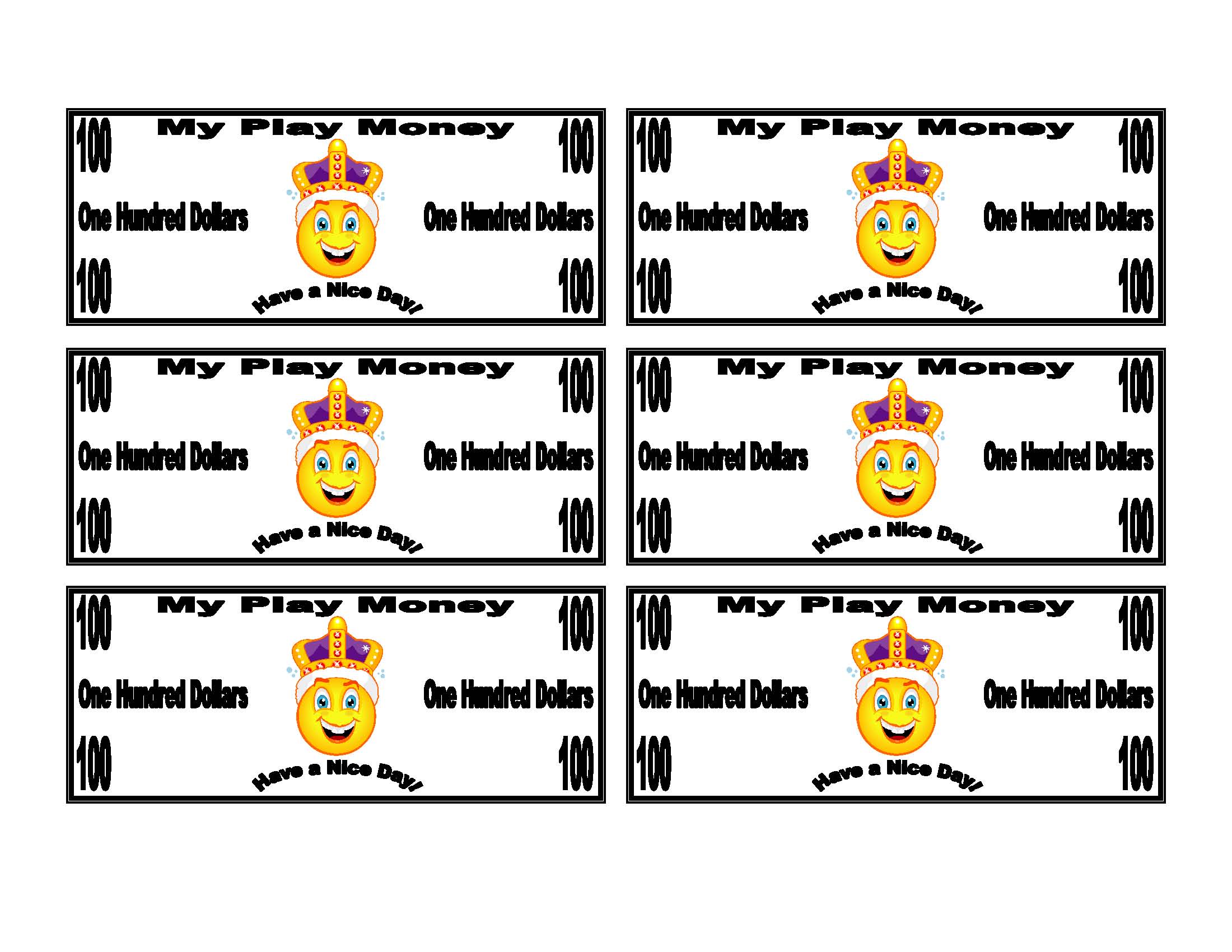
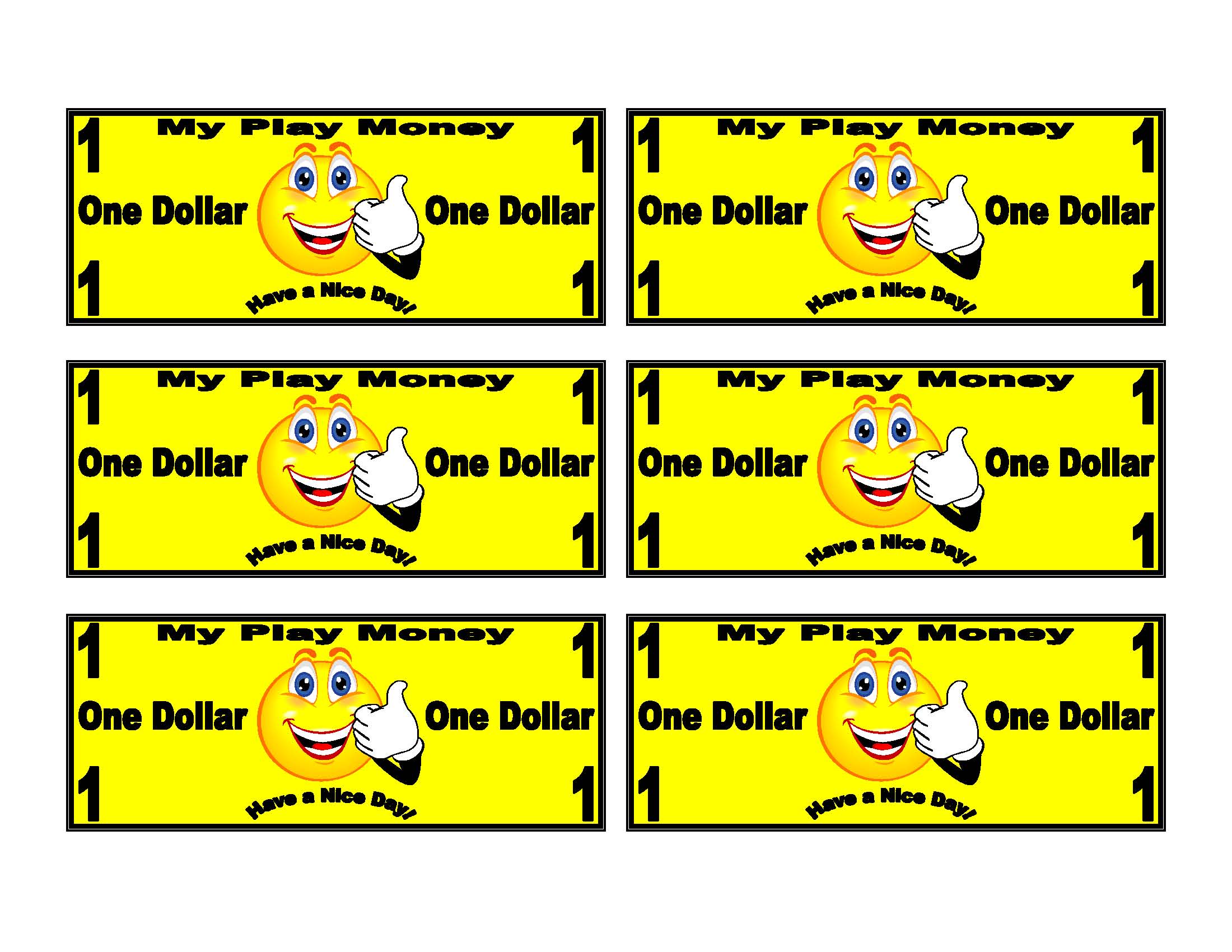
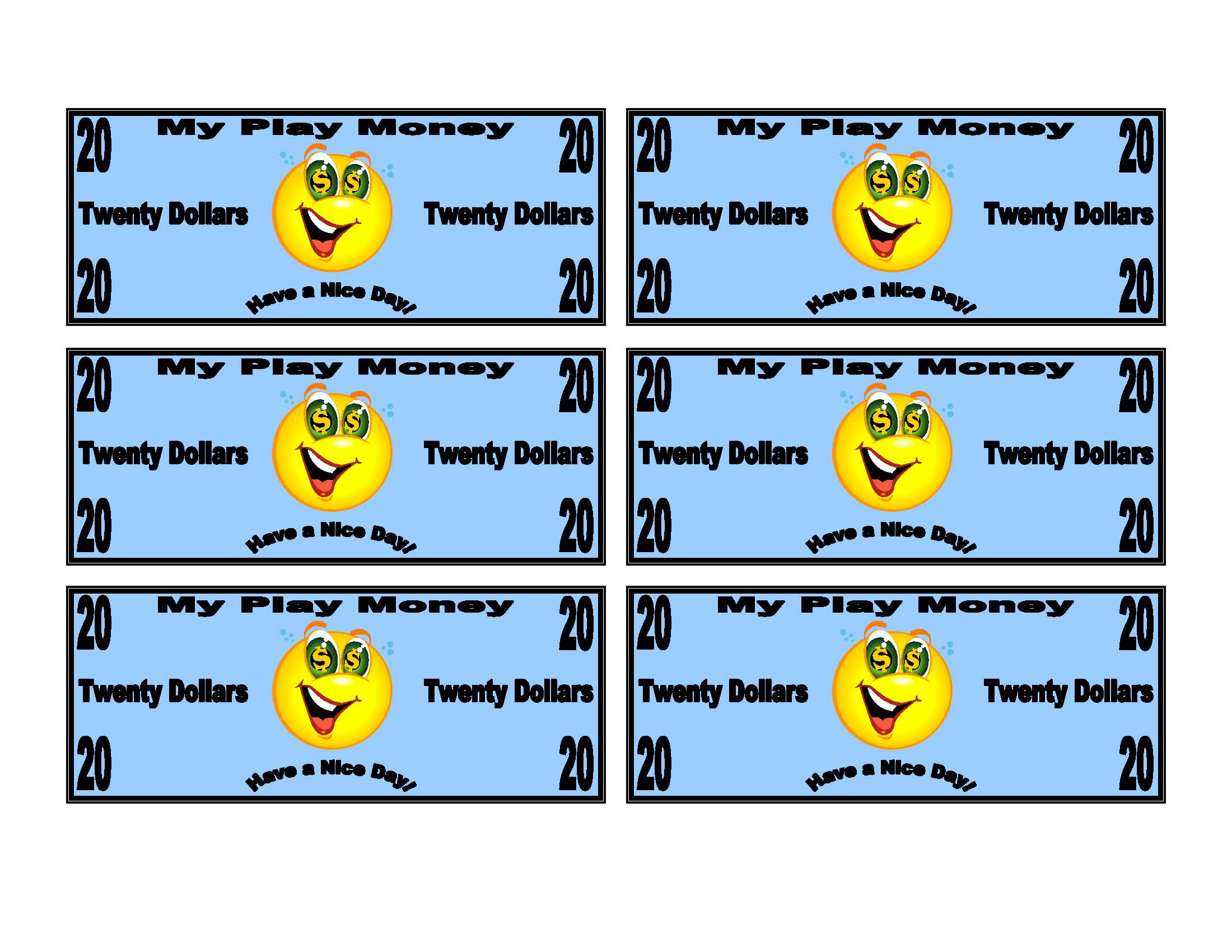
Simply Right-Click on the image and select “Save Image As” or “Save Link As” to download the image to your computer. These images can be used in most programs that accept images. I personally have found Microsoft Powerpoint, Publisher, or Word to be the most effective programs to print these out on.
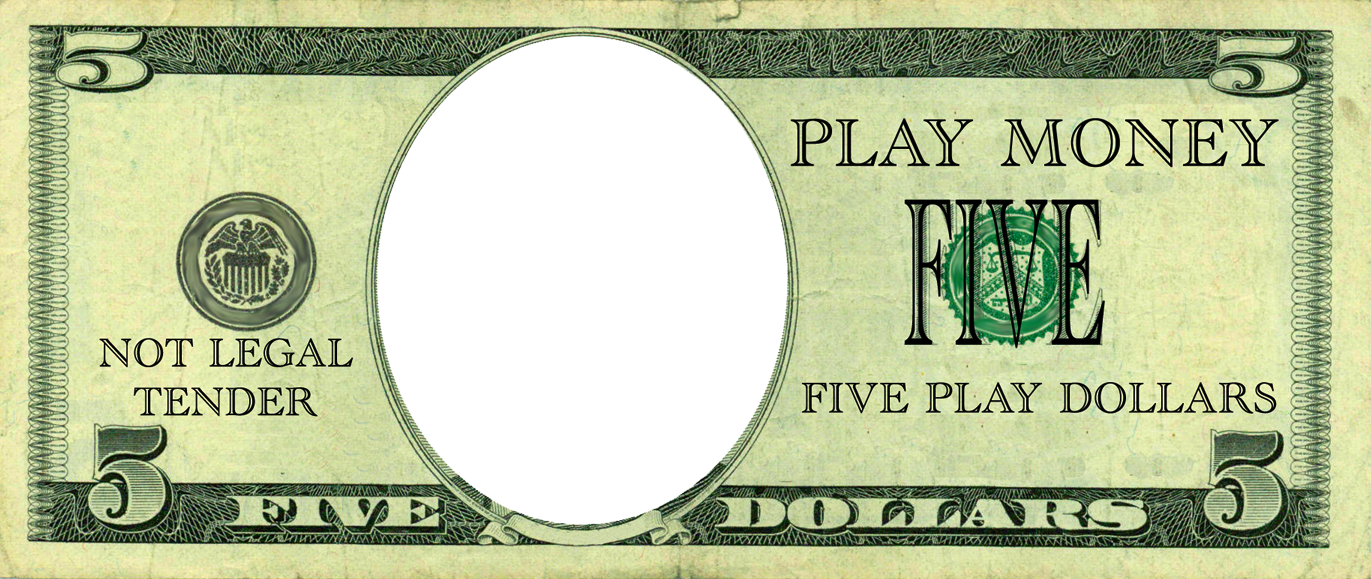
Use the Color Templates for Color Printers. Use the White Templates for Black and White Laser Printers loaded with color paper.
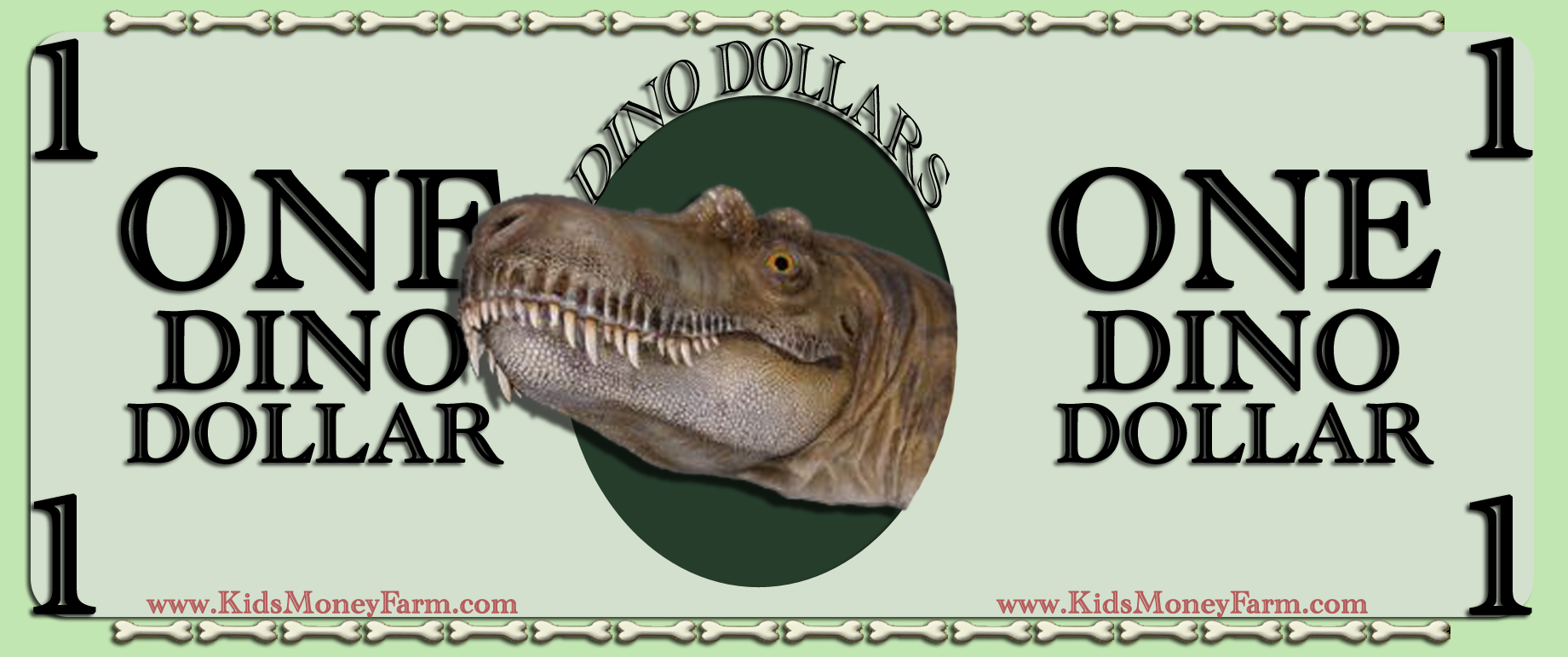
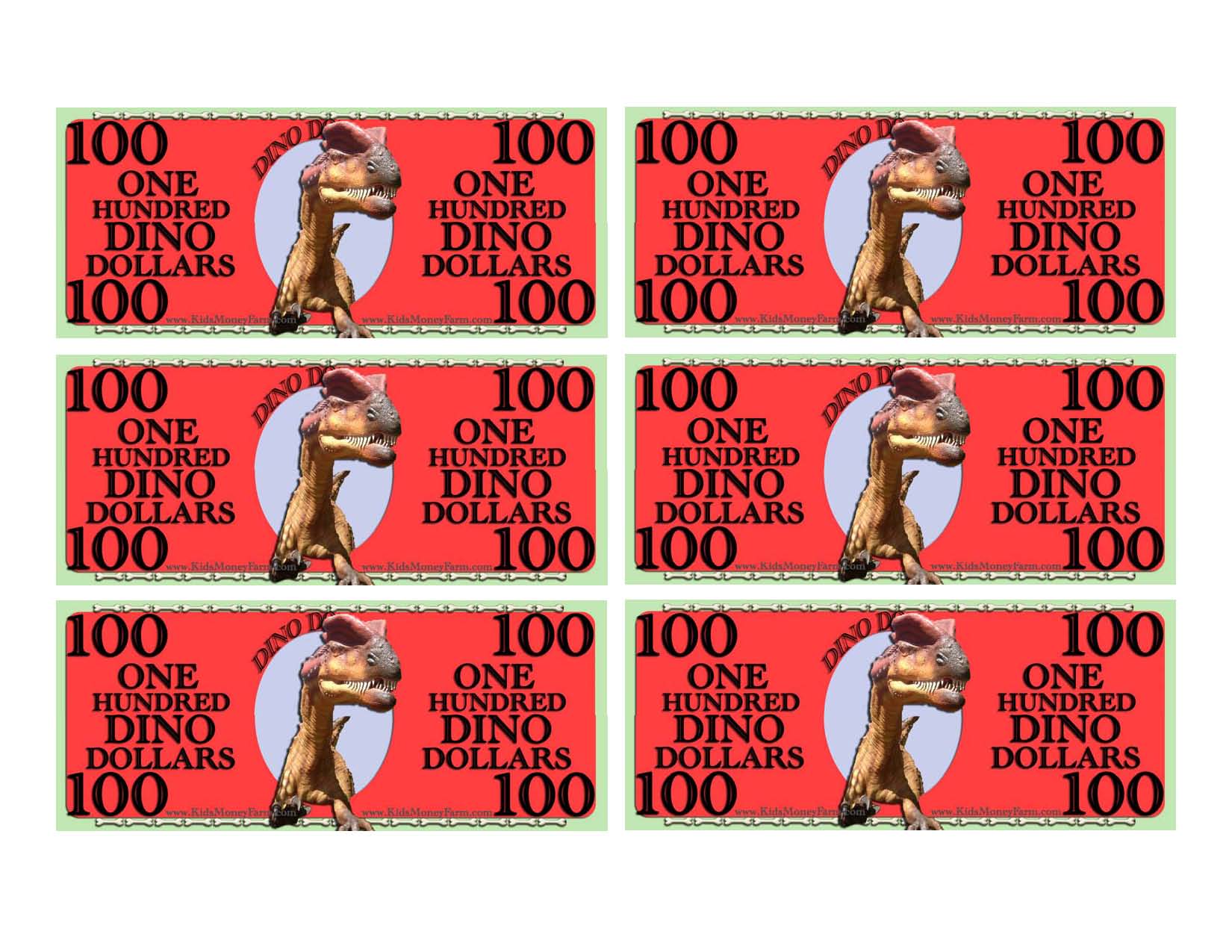
To print full sheets of Dino Dollars, use the links below. They are in 3 different formats for you to download; PDF, Word, and JPG.
Right-click on the images and select “Save Link As” or “Save Image As” to download them to your computer.
Check out the video tutorial on how to download and use these images.
DOWN-LOADABLE AND EDITABLE WORD DOCUMENT TEMPLATES!
Click the text on the right to download editable WORD document money templates to add faces.
The word doc templates are editable by double clicking the area that you would like to change while its opened in Word.
Be warned though, they will use a lot of ink if you print a ton of play money. It’s more cost effective to print the colorless templates and use color paper in the printer for the different denominations.
There are 2 programs you can use to do simple cropping within seconds. The first program is on ALL Windows computers from as early as Windows 98 (hopefully you are not on Windows 98) to the new Windows 7. (I just checked out Microsoft’s website, and they’ve really upgraded the functions in the Paint program in Windows 7 and made it easier to use!) Once you have your cropped areas, you can use the other tutorials to make your kids play money that have their own faces in them.
Please take a second to comment on the video. I am doing my best to accommodate as many learning styles as possible to fit the greatest need.
Thanks!
]]>The other day I went to visit my sister and ended up babysitting for a couple of hours when my nieces went to take a nap. I didn’t want to make too much noise, so I decided to play around making a few more money templates for the blog. My sister had Microsoft Word 2007 on her computer which I haven’t used too much and was amazed at all the cool graphic options it offered. So as I played around for an hour making some fast money templates, my older (5 year old) niece wakes from her nap and comes to see what I am doing. When I told her I was making play money on the computer, she became so excited. She immediately jumped on my lap and asked if she could help!
As we made the play money on the computer, she guided me on what colors she wanted each of the bills and had a blast laughing as the money started to take shape. Once we placed the picture of her in the center of the bill, it was like she won the lottery. Although the money was not real, you could tell she felt like an adult and started to buy things around the house with it..
I would recommend watching the video all the way through once first if you are not familiar with the functions of drawing objects with Word. If you have knowledge on using object tools, then feel free to follow along as the video plays. If you have any questions, feel free to post them on the blog for all to see. This way, when I answer the question back on the blog, those who may of had the same questions will see the answer.
Many more tutorials to come! Send me your ideas if you would like to see a money making lesson or tutorial made.
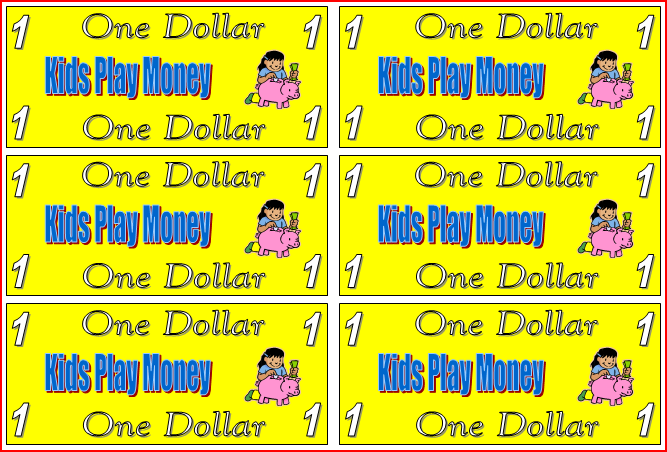
This very basic template is customizable using microsoft word.
Simply CLICK HERE to download the 1 dollar template.
You can then double click on any of the text to edit each of the bills to your liking. A tutorial video will be posted soon.
]]>